
Work · Live
The Wooof Village
Buyers browse the listings, reserve one and pay a deposit, or join the waitlist. The owner runs it all from the site's own admin.

- Type
- Reservations & deposits
- For
- The owner, and the buyers who reserve
- Status
- Live
- What it handles
- Listings, reservations, deposits, waitlist, admin
- Built with
- Next.js
How it works
One reservation, start to finish
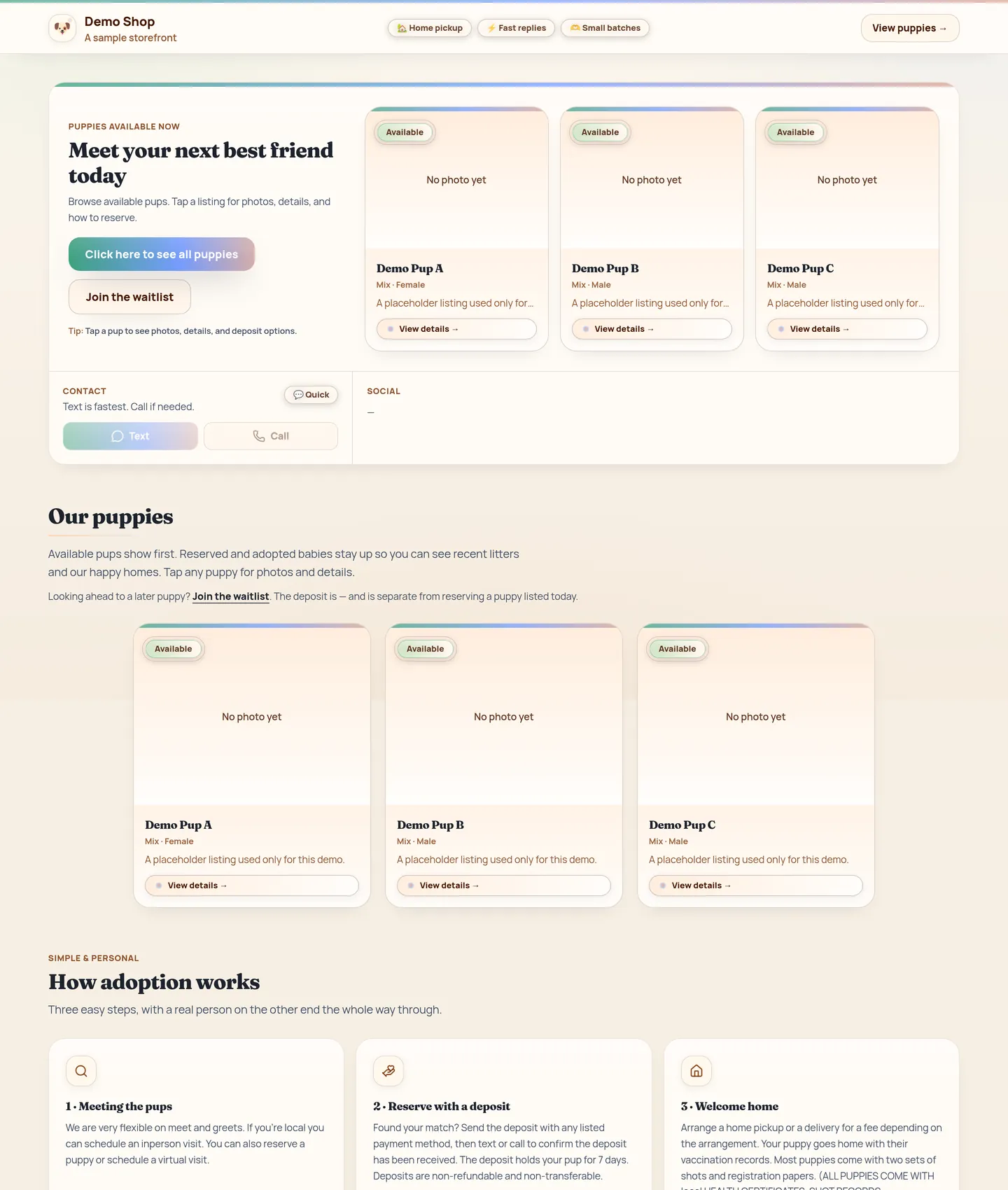
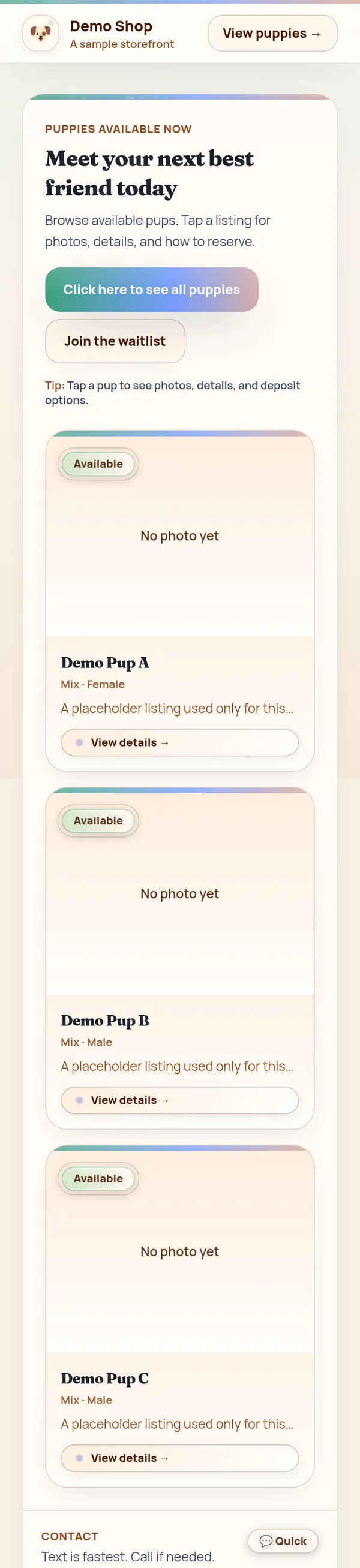
01 · See who is freeThe home page shows the puppies that can be reserved now, and whether each one is still available.
The problem
The owner needed one place to show current listings, take reservations and deposits, and keep a waitlist in the right order.
What I built
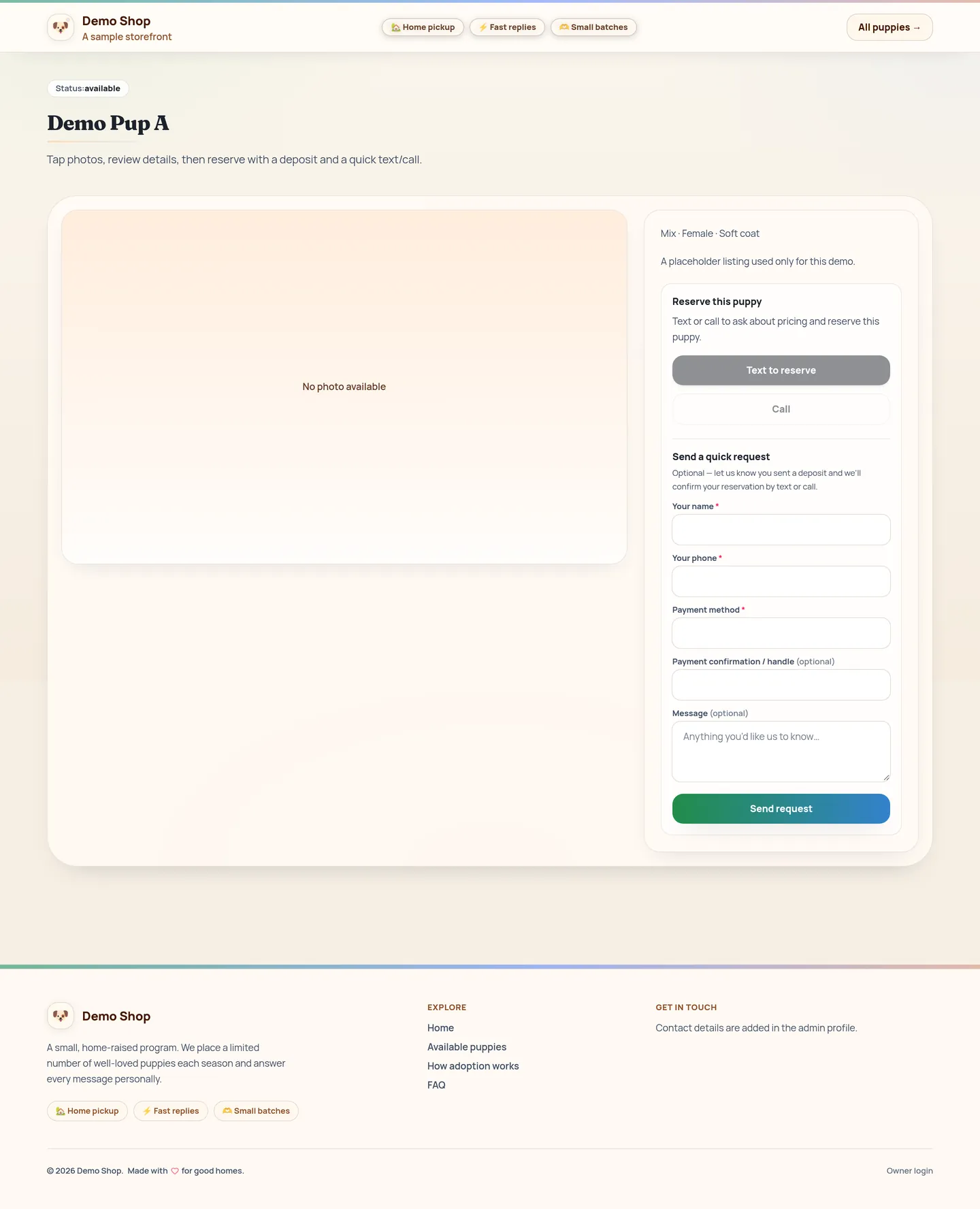
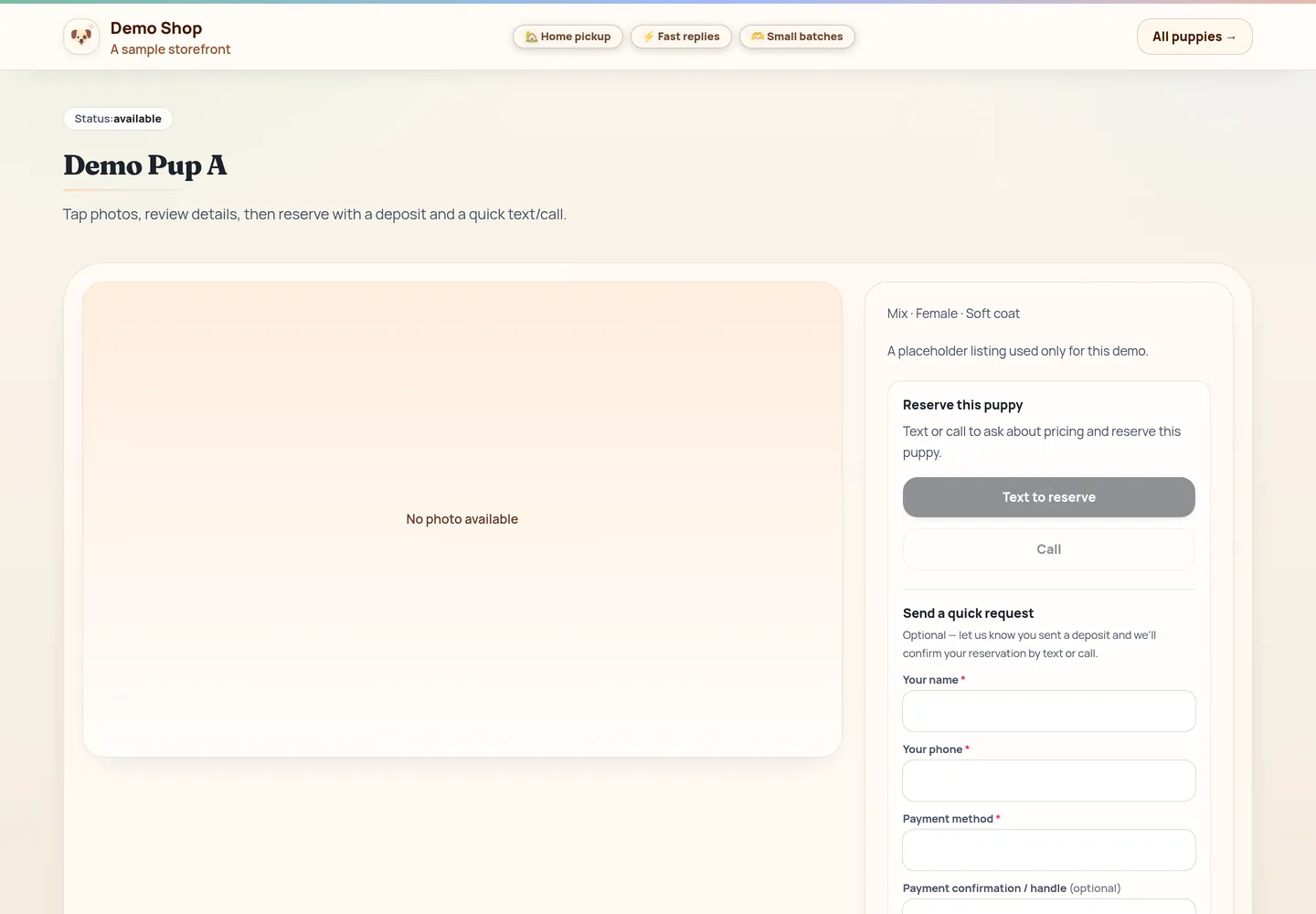
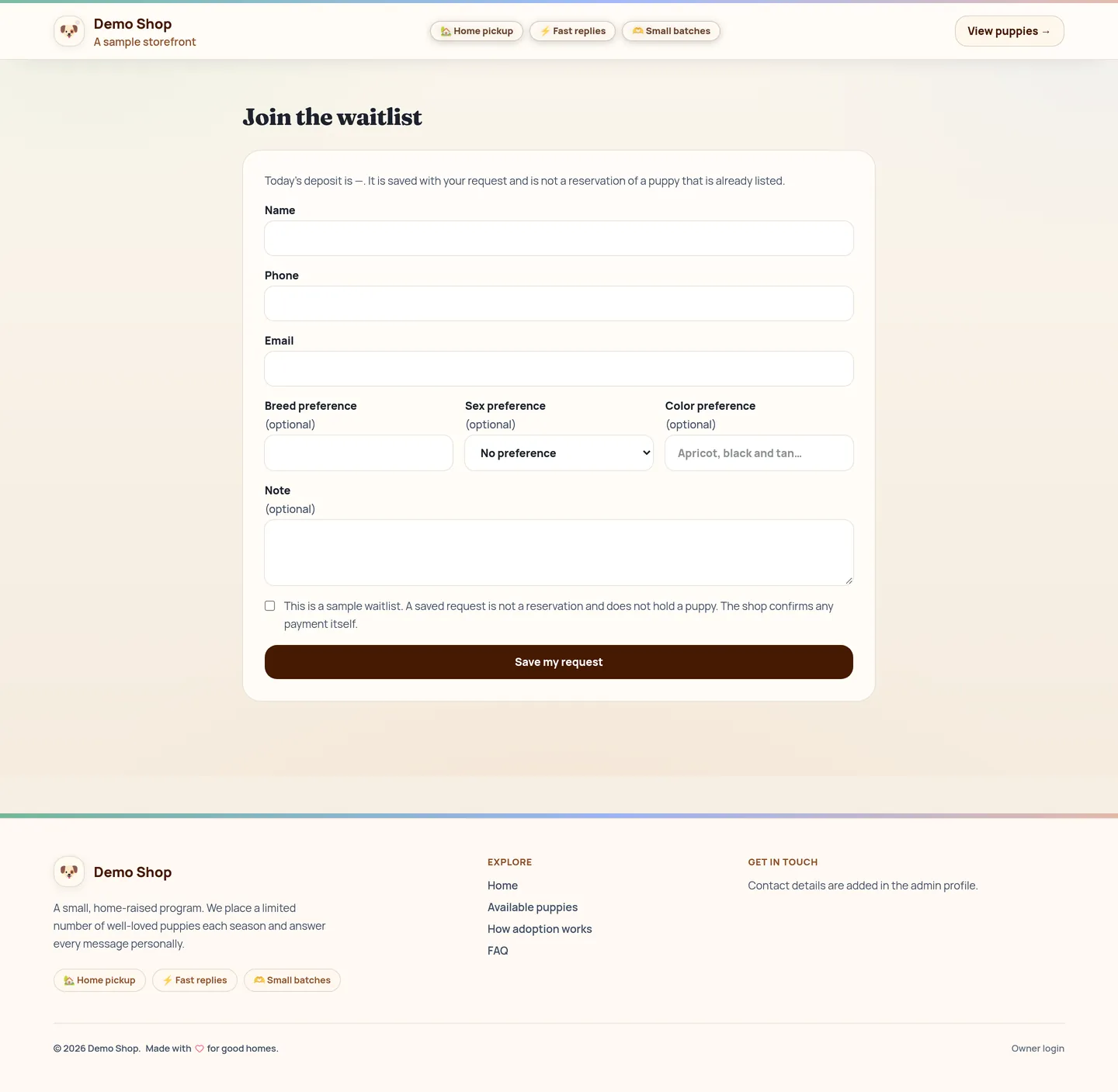
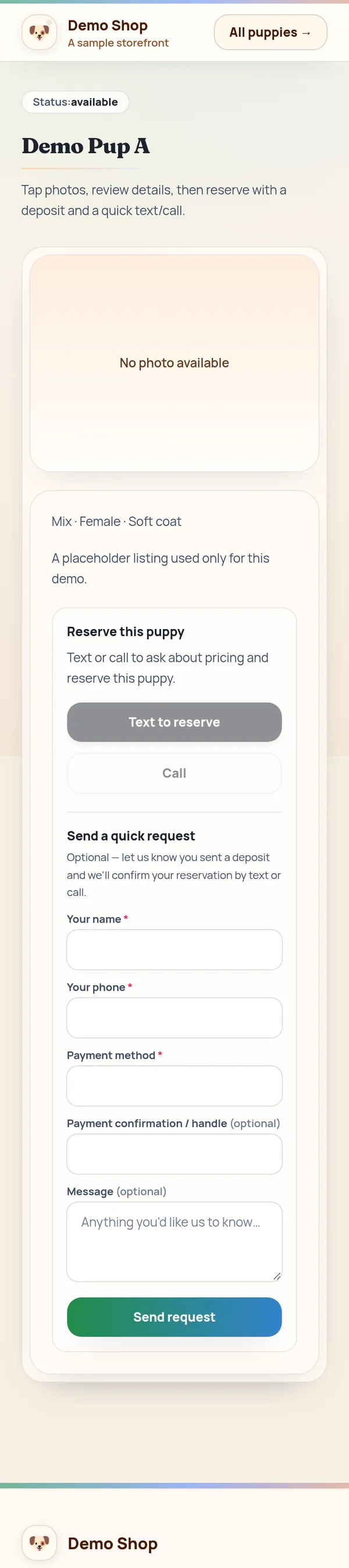
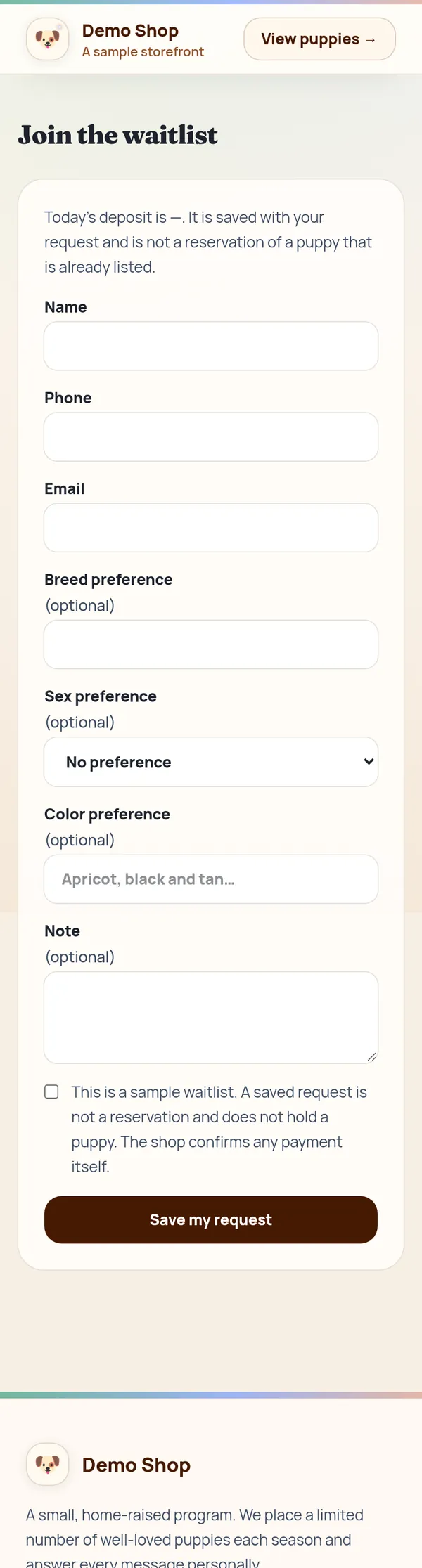
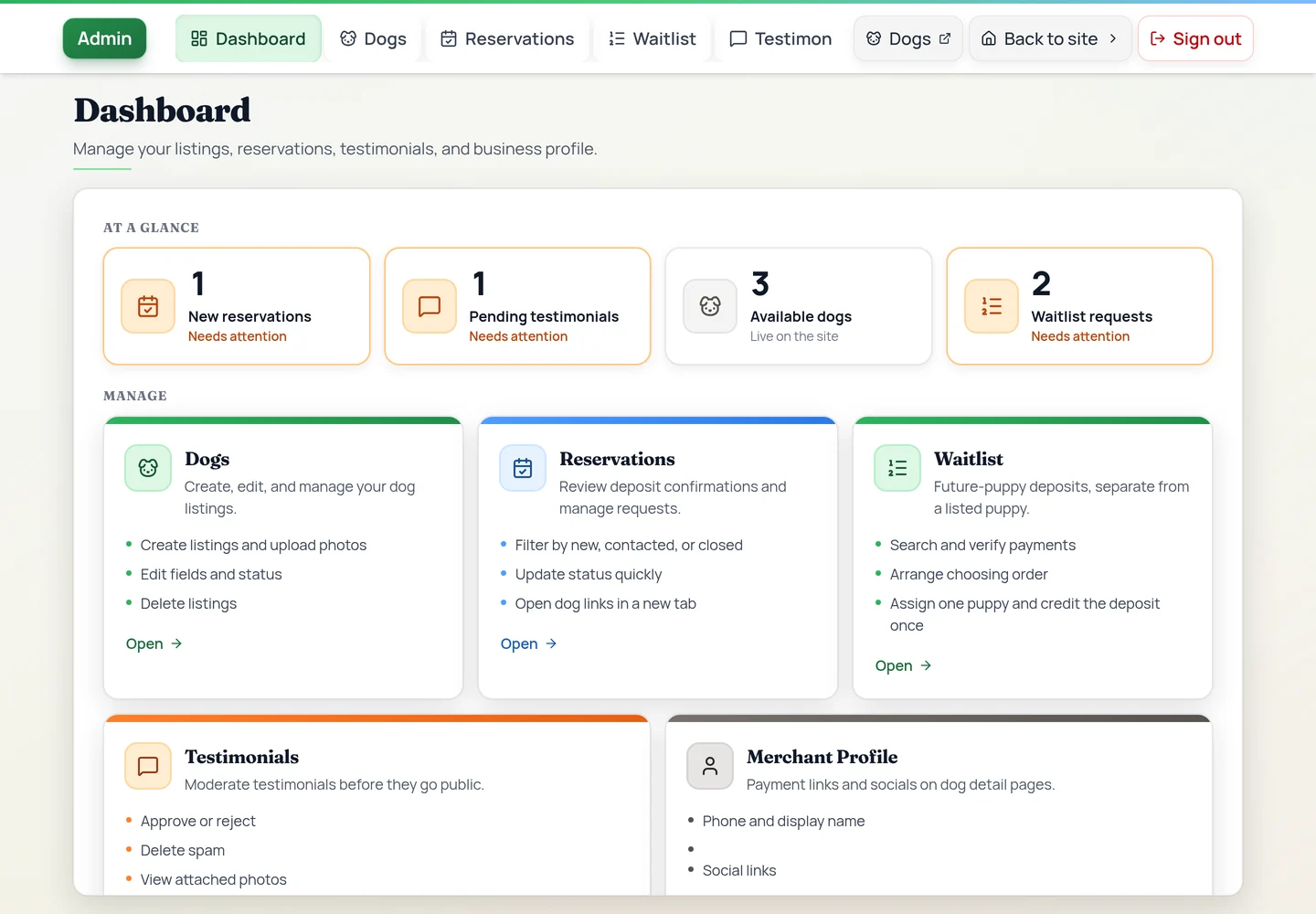
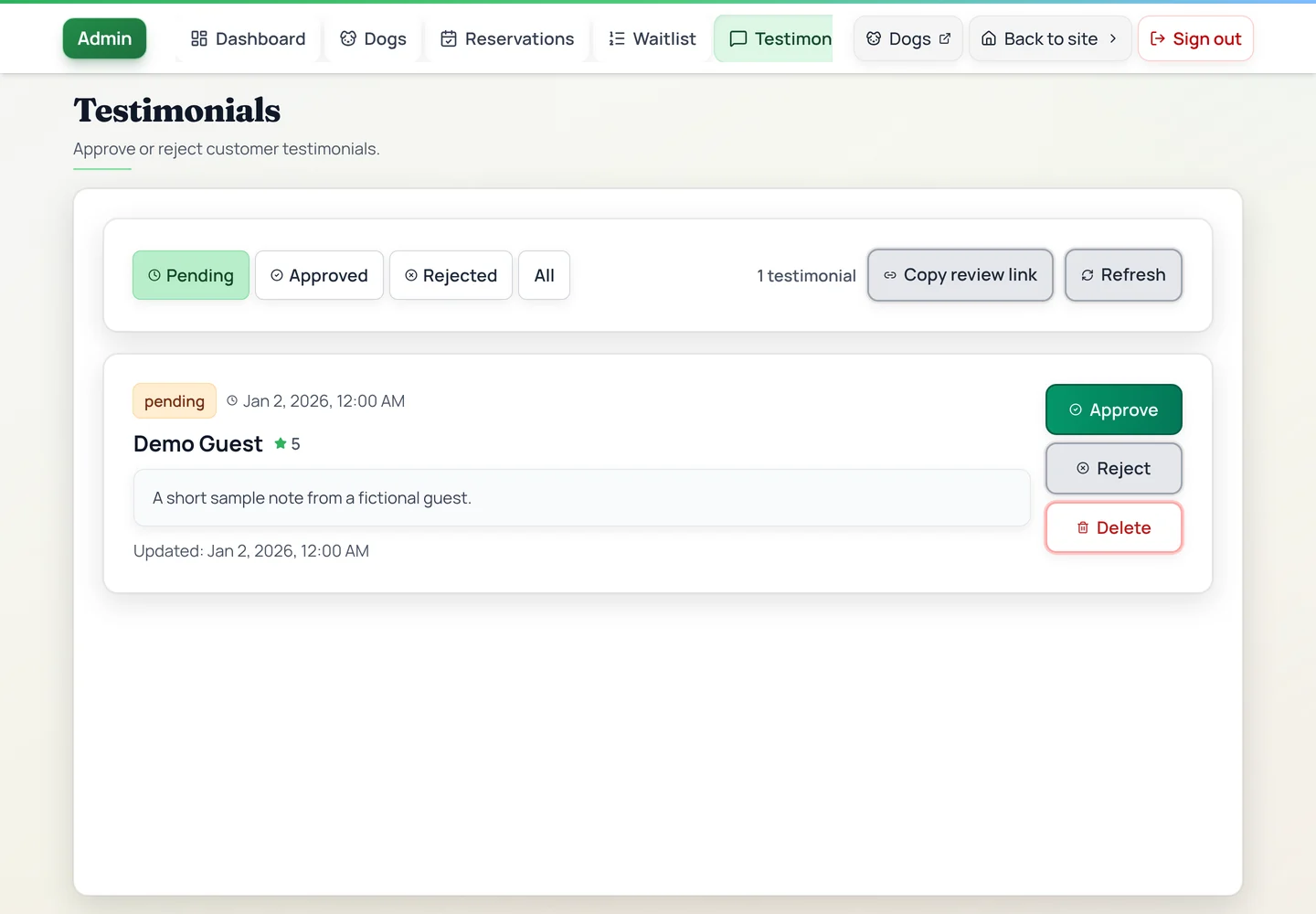
A site and its admin. Each listing has photos, a price, and a status. The Pay buttons open Cash App, Venmo, or PayPal with the amount filled in, or copy the Zelle details. The waitlist saves to the site's own database. Buyers can leave reviews, and the owner approves them.
What the owner runs
- Listings
- Photos, a price, and whether each one is available, reserved, or sold.
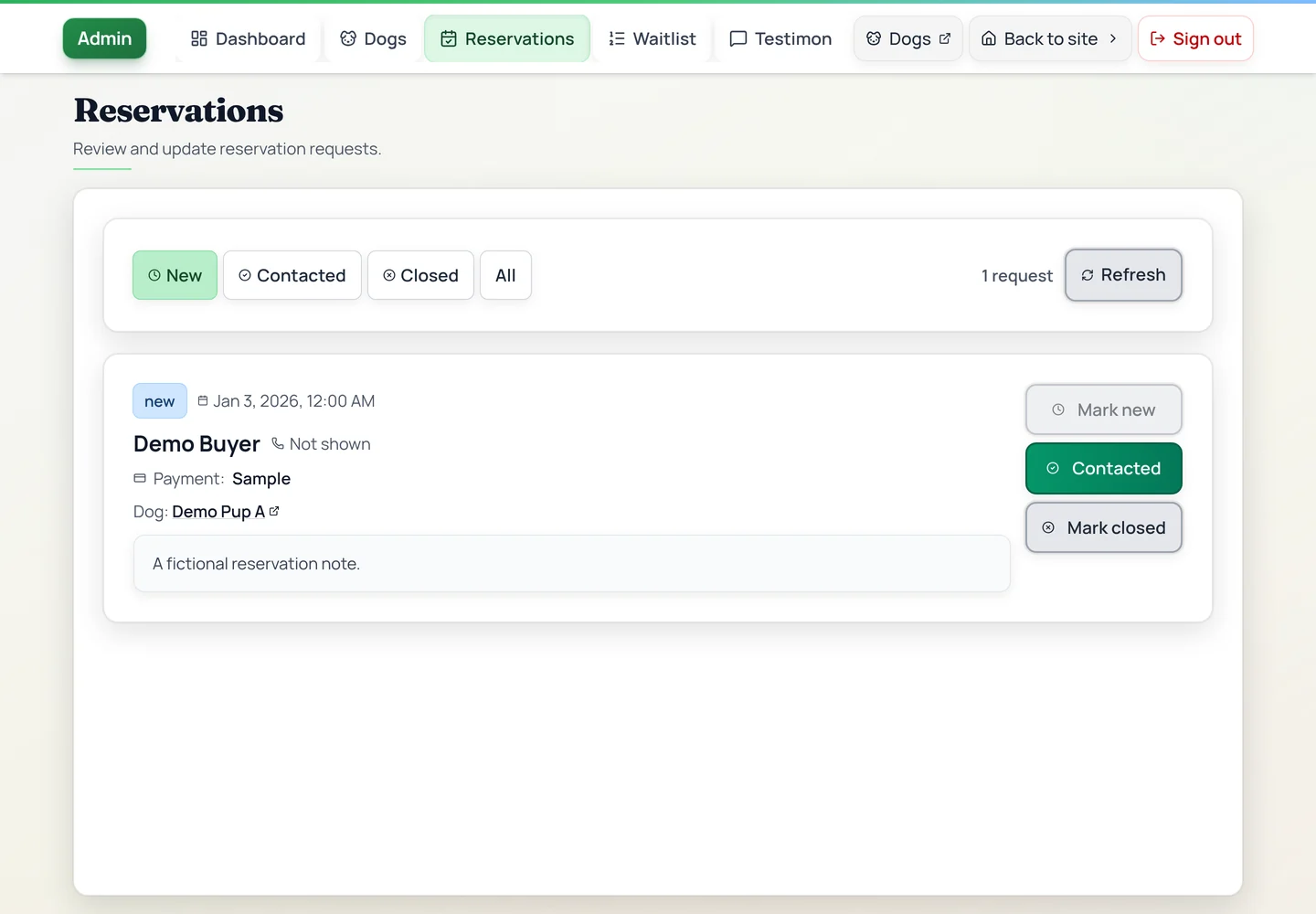
- Payments
- The owner confirms each deposit once it arrives in their payment app.
- Waitlist queue
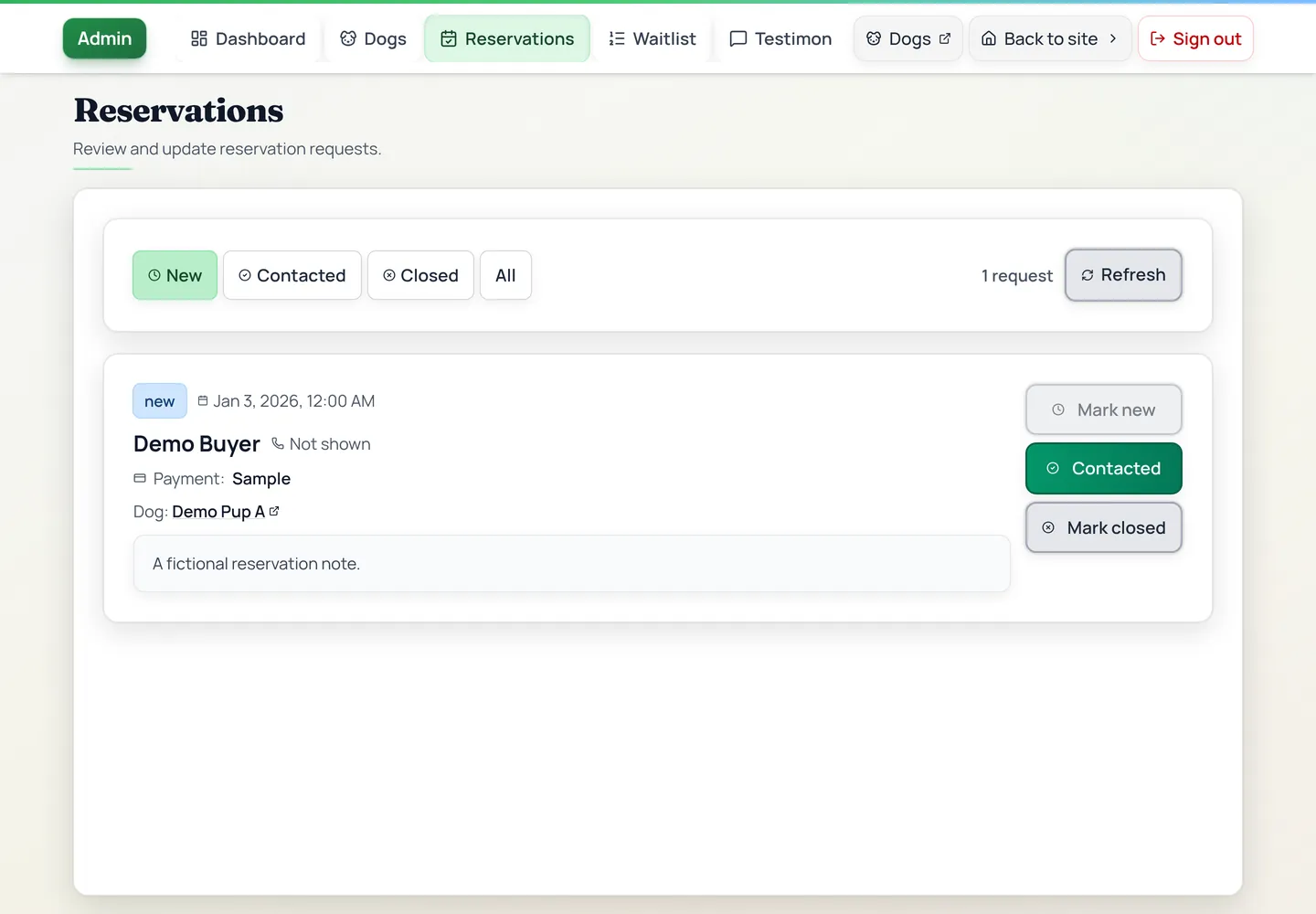
- Confirm deposits, set the order buyers choose in, assign a dog, and note a pass, a cancellation, or a refund.
- Reviews
- Nothing shows on the site until the owner approves it.
- Settings
- The shop profile, the payment app details, and the waitlist deposit.
The hard part
The deposit had to work without the site touching money. The buttons hand off to the buyer's own payment app. The admin is where the owner confirms the payment, sets the order buyers choose in, and assigns a dog.
Where it stands
Live. The owner adds listings, confirms deposits, and works through the waitlist from the admin.
The site does not process payments. The buyer pays in their own app, and the owner confirms it in the admin.
Want something like this?
Start a brief and tell me this is the closest project. I reply in writing within 2 working days.